TopMatic range
 Zum Inhalt
Components for your craft
Beschläge, Licht und smarte Komponenten für Möbel mit Charakter. Finden Sie das passende Detail für Ihr nächstes Projekt.
Components & accessories for joinery and furniture making
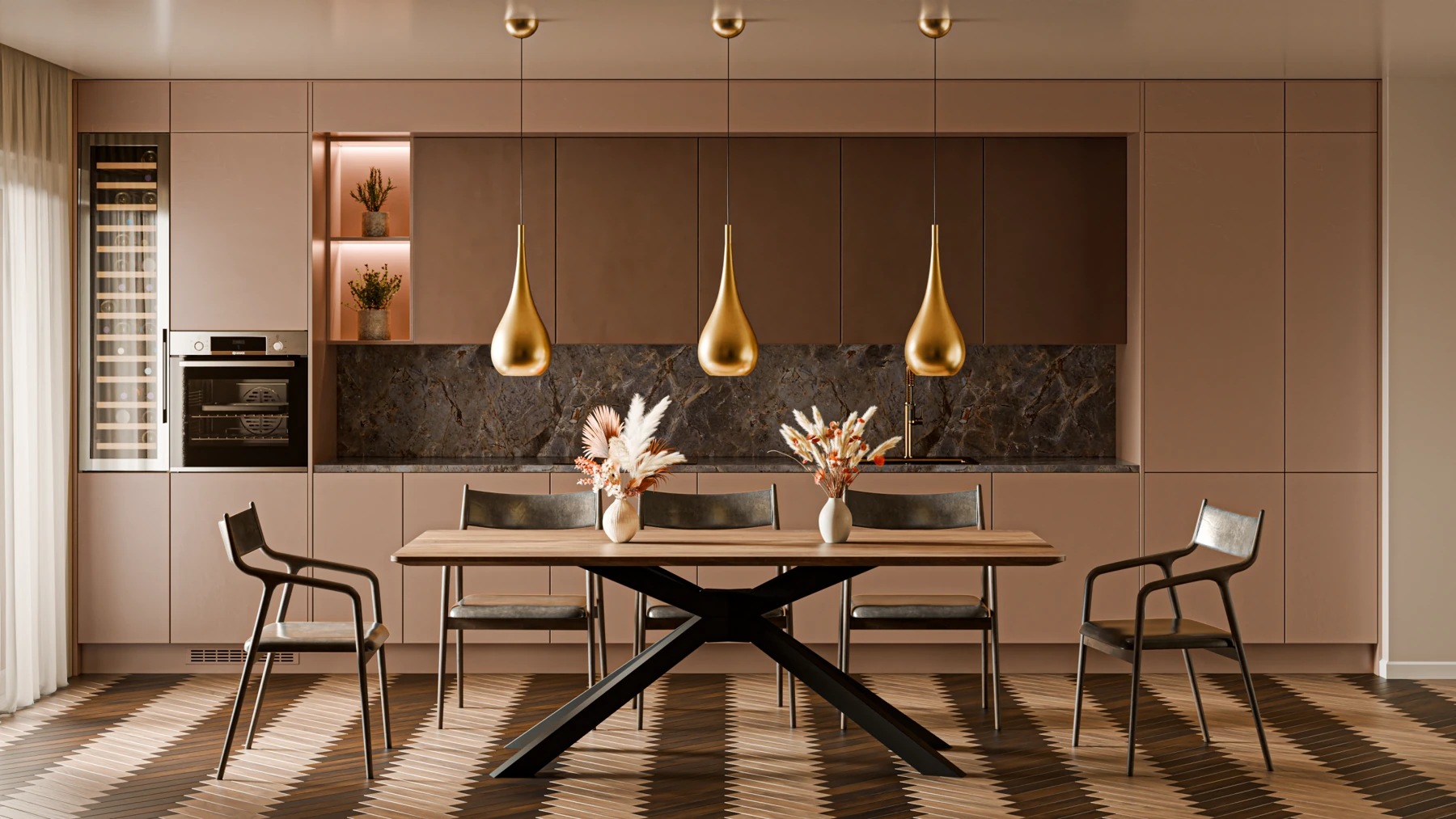 Application example · Components from TopMatic
 Handles
 Sinks
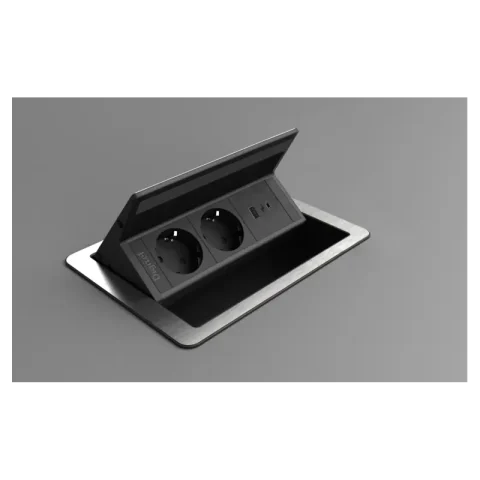
 Power sockets
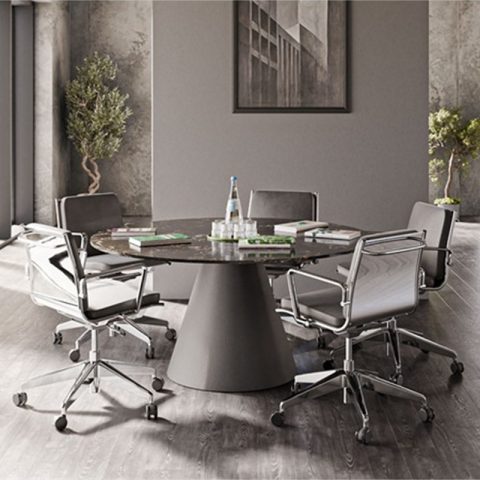
 Table systems
Promotional products from our range
The right details for your project
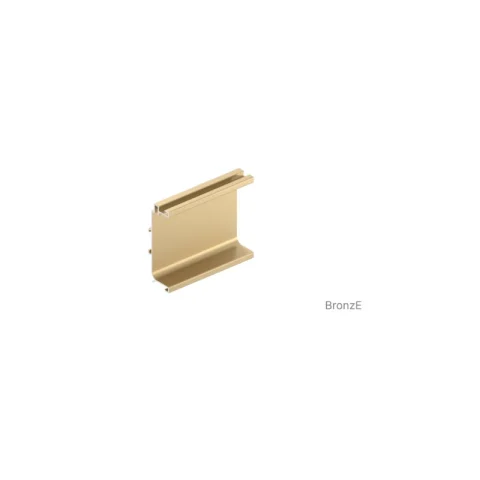
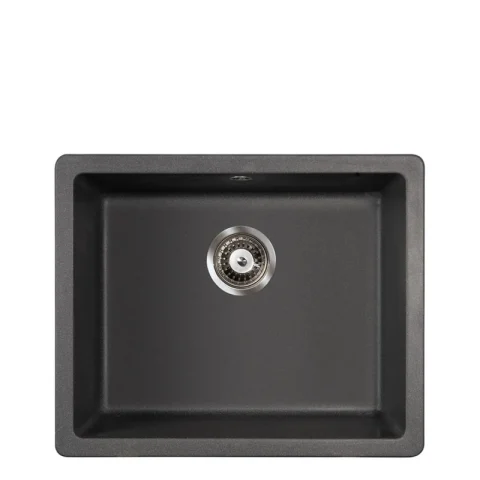
From our WooCommerce range
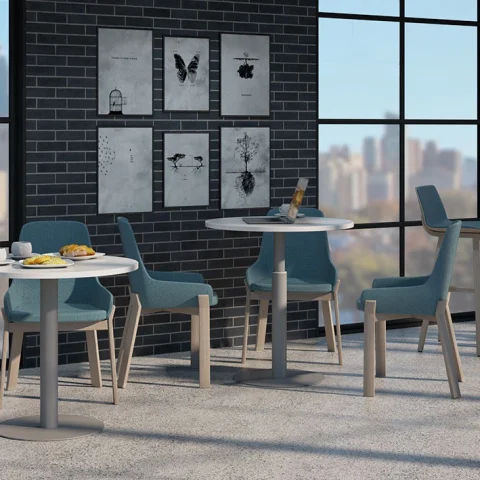
Dimensions. Finish. Glass. To your requirements.
Individually manufactured aluminium frame doors with your chosen frame finish and glass infill, tailored to your furniture project.
Fittings for joinery and furniture making
Precision for your ideas begins with the components you see and use every day. TopMatic brings furniture handles, fittings and other furniture components together in a structured product selection. Whether you are working on a kitchen front, cupboard, table or interior fit-out, the right dimensions, the required function and a finish that fits your project all matter.
A furniture handle does more than contribute to the design. Its shape, finger clearance and fixings need to suit the front and the way it will be used. When designing new furniture, you can plan these details together. For a replacement, the existing holes and installation conditions set the limits. Start by comparing your project's requirements, then look at the available versions.
The range includes different components for joinery, furniture making and interior fit-outs. The categories take you to the relevant product groups. Use the product search if you already know an item number. This helps you find the right product family directly, rather than judging similar-looking versions from a photograph alone.
Before ordering, take a close look at the technical dimensions. A handle's overall length and its hole centre spacing describe different properties. Width, installation depth and fixings may also matter when making your selection. Take measurements from the plan or the existing furniture and compare them with the selected variant.
Finishes and colours influence the overall appearance of a kitchen or interior. Check the exact version name and the manufacturer's information. Screen images and application photographs help you find your way, but they do not replace checking the actual material and technical product data. If anything is unclear, send a specific enquiry with the item number and the dimensions you need.
The Partners and Brands and Catalogues and Downloads sections complement the product selection. They contain the manufacturer information provided and help you explore product families and versions. A catalogue is particularly useful when several components need to work together within a furniture project, or when you want to review technical details in your own time.
Always check the exact item selection in the shop before ordering. Catalogue names, item numbers and variant details help you compare the information. If a model cannot be identified clearly, send the information you have to TopMatic. Details of the intended use and the quantity required make it easier to give a focused response.
The offers selection shows items with a promotion currently recorded in the range. The products displayed can change as the available offers change. What matters is that the model and its version suit your plans. Even when an item is on offer, compare its variants, dimensions and product details.
Prices are displayed after you sign in and your business account has been approved. Personal terms belong to the relevant account. The information that applies to your selection is shown during ordering and in the associated documents. An offer on a product family does not automatically mean that every version has the same terms.
Your business account gives you an overview of your assigned orders, messages and documents. After registration, TopMatic reviews the account for approval. You can then use the prices and functions available to your account. Keep your company and address details up to date so that enquiries and the processing of your order can be linked to the correct account.
Before submitting, check the items, versions, quantities and delivery address. If additional approval is required, follow the notice shown. Order status and confirmed payments are different pieces of information. The documents associated with your order determine the payment details and deadlines.
Clear information is especially valuable for an individual furniture project. Note which component you need, where it will be used and which dimensions have already been established. For aluminium-framed doors, for example, dimensions, the frame finish and the desired glass infill may be relevant when discussing the details. A drawing or a suitable photograph can supplement the description.
Use the project enquiry or advice service if a requirement cannot be clarified from the product page alone. Give known item numbers and describe any open questions as specifically as possible. This creates a clear basis for the next step without assuming technical properties, availability or bespoke production in advance.
Von der Idee zum passenden Detail
Maße festhalten, Komponenten auswählen und Ihr Vorhaben mit TopMatic besprechen.
Local help with products, filters and your customer account.
Answers use catalogue data and fixed service information. Contact our team for personal advice.
Navigation and selected pages are translated. Product texts, documents and legal texts that are not yet translated are displayed in their German original.